
Fit modes
When an image gets both a width and a height, fit decides how a source of another aspect ratio goes into that box. The same 3:2 photo, asked for as a 480 × 480 square:
<twig:Picasso:Image src="meeting.jpg" width="480" height="480" fit="contain" alt="…" />
contain
480 × 322, the default

cover
480 × 480, same as crop
crop
480 × 480
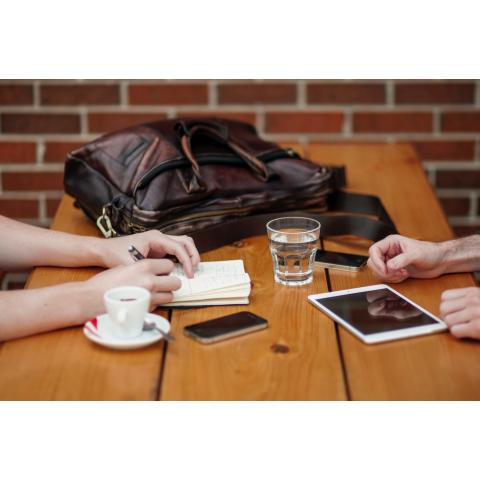
fill
480 × 480, padded
| Fit | Keeps the whole image | Output is exactly width × height |
Use it for |
|---|---|---|---|
contain (default) |
yes | no, one side may be shorter | Photos in content, product shots, anything not to cut |
cover / crop |
no, the excess is cut | yes | Cards, avatars, grids of thumbnails of the same size |
fill |
yes | yes, padded with bands | Fixed-size slots where cropping is not an option (logos…) |
Choosing
Section titled “Choosing”- A grid of cards whose images must line up:
crop, and give every image the samewidthandheight. - An avatar:
cropon a square box. - A photo in an article: keep
contain, and give only awidth(the height follows the source ratio), so the browser reserves the right space. - A logo in a fixed slot:
fillkeeps it whole. Prefer a transparent PNG or WebP there: the bands are then transparent rather than white.
Set the default for every image with default_fit, and override it per image with the fit prop or the fit argument of picasso_image_url().